
About The Computer Mouse information
About The Computer Mouse information. The mouse is a pointing device. You can give input to the computer with the help of the mouse.

Clicking:
Double-Click:
- A computer mouse looks like a real mouse.
- It usually has two buttons and a wheel in mouse.
- The mouse is always kept on a mouse pad.

Along with the keyboard if you also learn how to work with a computer mouse, working on a computer would be easy. Let us study about various of the mouse.
Clicking: 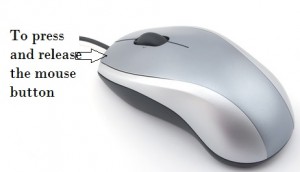
Clicking means the pressing and releasing of the mouse buttons. It takes place after pointing at an item.
Click -> To press and release the mouse button
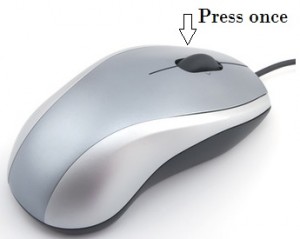
Single –Click:
To release the left mouse button after pressing it once is called single-click. A single-click is for selecting an item.
Click -> Press once
Double-Click: 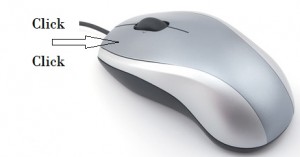
To release the left mouse button after pressing it twice quickly is called double-click. A double –click opens the selected item.
Click >> Click Click
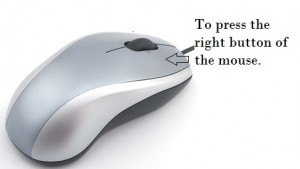 Right – Click:
To Release the right mouse button after pressing it once, a list of Properties of the selected item.
Right-click: To press the right button of the mouse.
Computer Mouse Glossary :
Mouse: It is pointing device.
Clicking: Pressing and releasing the mouse button to make the computer do some work.
Double-click: To press the left mouse button twice quickly, before releasing it.
Right-click: To Press the right mouse button once different purposes.
Single-click: To press the left mouse button once before purposes.


No comments